AI implementation
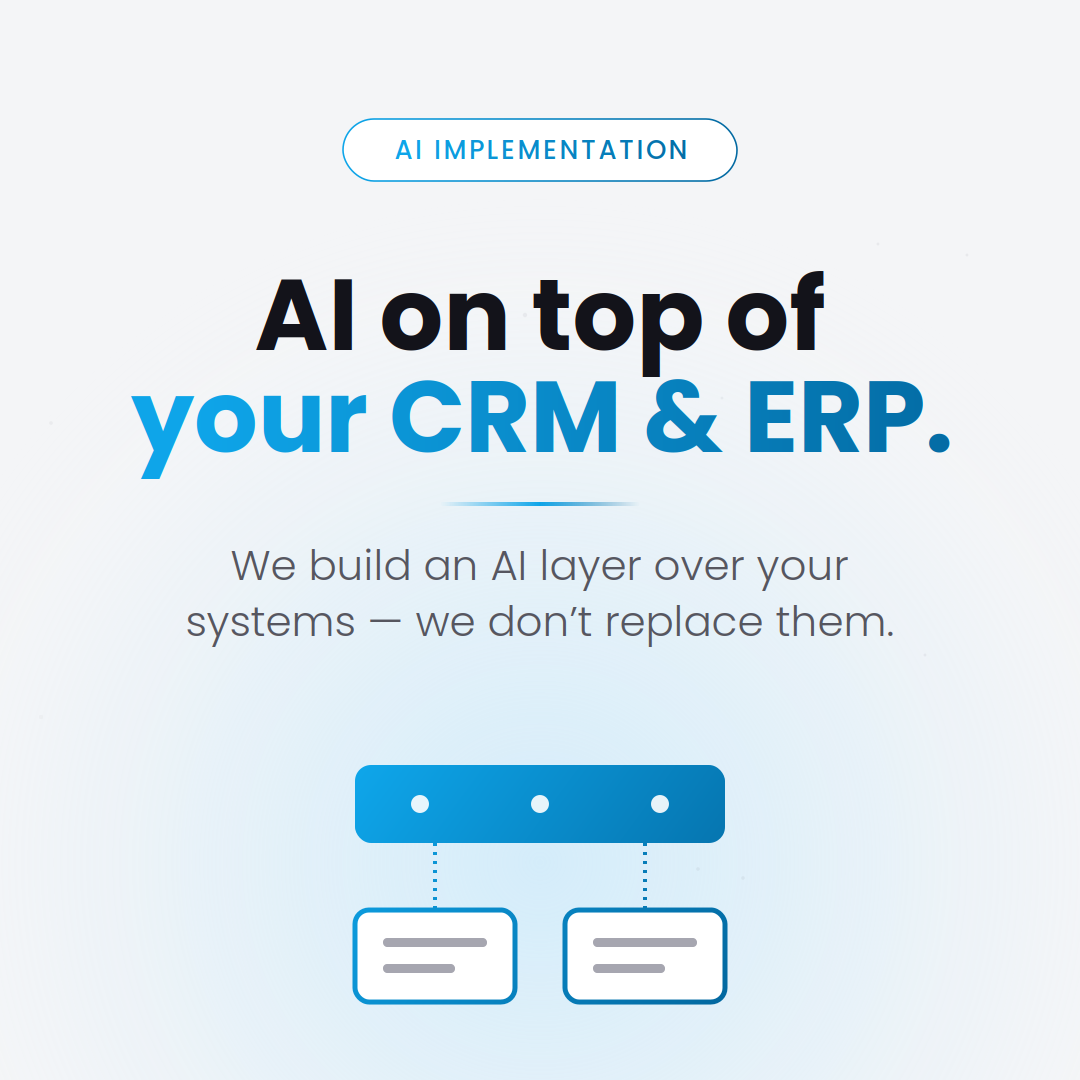
We build an AI layer over your systems — we don't replace them.
The greatest value doesn't come from "a new system," but from AI working within what you already have.
In short
Integration is done through an AI layer that communicates with your existing CRM (Customer Relationship Management — system for managing customer relationships) or ERP (Enterprise Resource Planning — integrated business resource management system) via API (Application Programming Interface — interface through which two applications communicate), native connector, or, when needed, RPA (Robotic Process Automation — automating repetitive tasks usually done by a human in a program's interface). The model reads and writes data where you already work (HubSpot, Salesforce, Odoo, SAP, Microsoft Dynamics, Pipedrive, custom systems) — we don't change your workflow, we take it off your hands.
- Native connectors for HubSpot, Salesforce, Odoo, Dynamics, Pipedrive
- API + webhooks for custom or internal systems
- RPA for legacy ERPs without exposed API
- Audit log for every action written to your system
The 3 integration paths, in short
API/webhooks — the preferred, fast, and stable path, available for modern CRMs. Native connectors — when the platform already has integration (e.g., HubSpot, Salesforce). RPA — a "last resort" solution for old ERPs without an API, where AI "thinks" and an RPA bot performs the clicks.
What the AI layer concretely does over CRM/ERP
Some real-world cases from our projects:
- Lead qualification and automatic CRM update with score + justification
- Responses to quote requests, synchronized with customer history
- Data extraction from PDF invoices/orders directly into ERP
- Sales call summarization and logging in the customer record
How to maintain control
All writes to your system are auditable (who, what, when, based on what input). The autonomy threshold is configurable per action — some go direct, others require human approval. Global kill switch, in case something goes wrong.